
Meet Walkd.
Playable spaces from video. You shoot one slow walk on the phone already in your pocket — iPhone or Android — and it comes back as a link anyone opens in a browser and walks through, room to room.

and a bit more
One walk in. Three things back.
- A link they can walk
- Stills, rendered
- Yours to keep
- A link per person
- Embed it, or send it
- Nothing to install
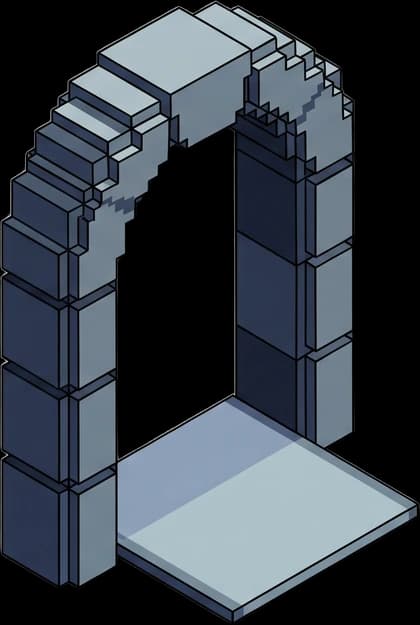
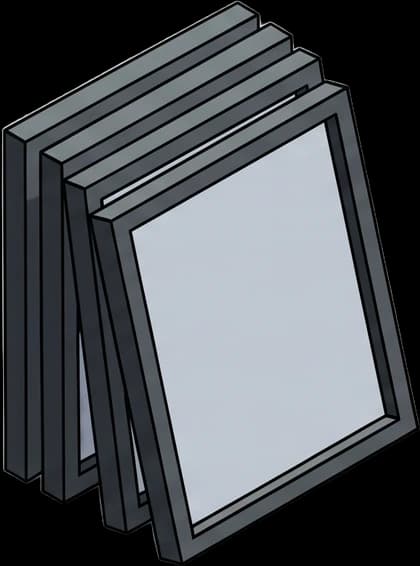
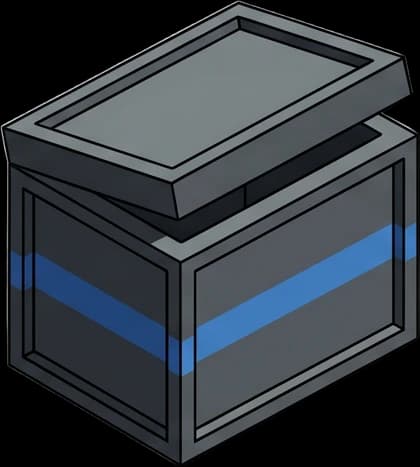
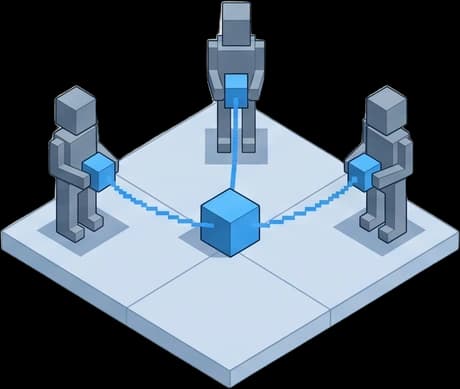

Turn one walk into a link, in four steps.
One walk on a phone you already own, and a link anyone can open.
- 01
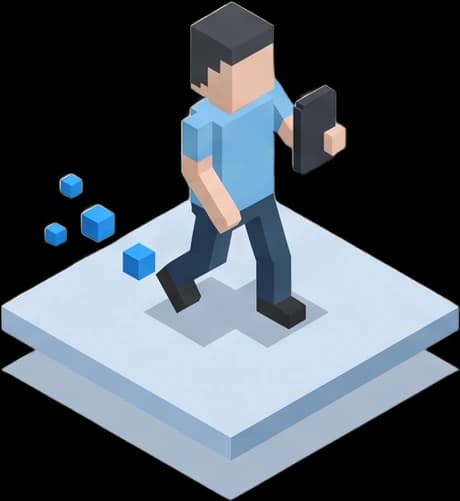
Walk it
One continuous take on the phone in your pocket, at half your normal pace. About ninety seconds for most spaces.
- 02
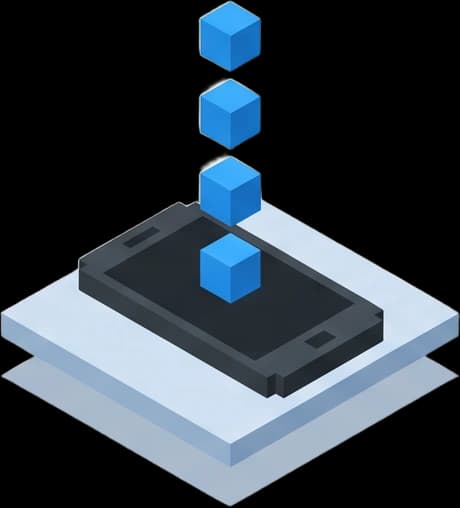
Upload it
Straight from the phone you shot it on. No rig, no lens, no crew, and nothing to install.
- 03
It becomes a space
Not a slideshow of it — the space. The frames of your walk become geometry somebody can stand inside.
- 04
Send the link
It opens in any browser, on any device. No app and no account for whoever you send it to.

Pricing
One subscription. One price per space.
One subscription to use Walkd, and $250 each time you turn a space into a tour. Somewhere bigger is more than one space — each floor, wing or unit is its own capture.
This is what it will cost when it opens. Nothing is charged today and we don't take a card — join the list and we'll come to you before anything is live.
Join the waitlistMore than one space at a time? Volume & enterprise
- One capture, generated into a walkable tour
- One free regeneration if the first pass isn't right
- Hosting for every space you've generated, while you're subscribed
- An embed for your own site, delivered with the tour

Questions
The ones people ask first.

Be first to walk your spaces.
We're onboarding in small batches. Join the list and we'll show you how it works — you shoot the walk, we build the tour.